How to improve TV image quality: the hidden HDMI setting
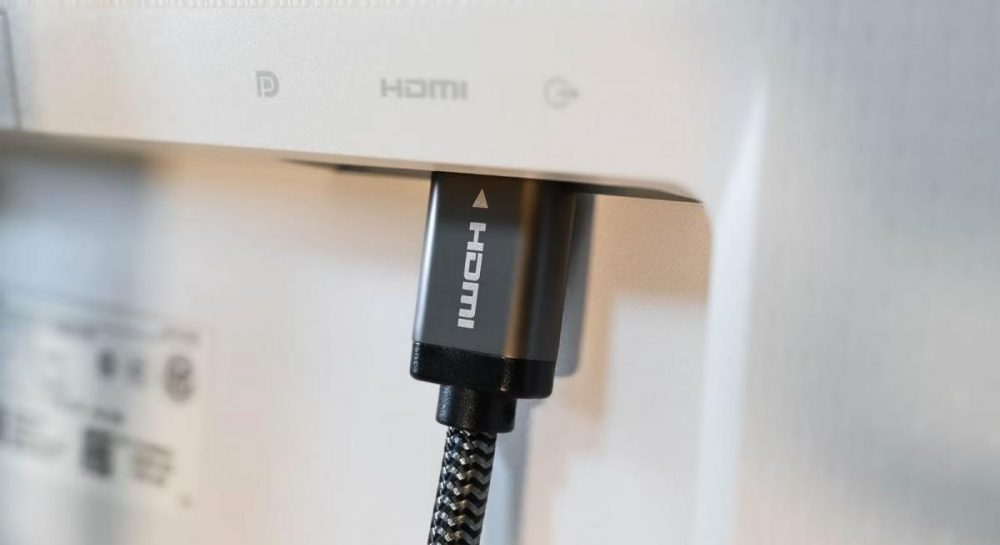
Even modern TVs may display poor image quality due to a disabled HDMI Deep Color feature. Here is how to enable this setting for better color accuracy.
 💡Tech
Photo: UNIAN
Key points
- HDMI Deep Color increases color depth to 10-12 bits.
- The setting often needs to be activated manually for each port.
- The option name depends on the TV manufacturer.
Why your TV isn't showing its full potential
Many Smart TV owners face the issue of dull images, even if their device supports HDR technology. Often, the cause lies not in technical malfunctions, but in the settings of the HDMI ports. The feature known as HDMI Deep Color allows for the transmission of signals with a color depth of 10 or 12 bits, significantly improving the realism of the picture.
How to activate settings manually
Although modern TVs are supposed to automatically recognize connected devices, such as game consoles or streaming media players, the setting sometimes remains disabled. To check the status of the option, you need to enter the TV's settings menu and find the section responsible for input signal parameters.
The feature names may vary depending on the manufacturer:
- LG: HDMI Deep Color or Ultra HD Deep Color
- Samsung: HDMI UHD Color or "Input Signal Plus"
- Sony and others: "Enhanced format"
Activating this feature helps eliminate harsh transitions between shades and increases color accuracy, which is especially noticeable when watching 4K content or during gaming.
Source UNIAN — unian.ua/techno/gadgets/shcho-take-hdmi-deep-color-i-chomu-cyu-funk… ↗
Read next
 🏛️Politics
Seven EU Countries Urge Immediate Visa Ban for Russian and Belarusian Athletes
Leaders of seven Nordic and Eastern EU nations have called on top EU officials to immediately stop issuing visas to Russian and Belarusian athletes, preventing Russia fro…
 🎓Education
NASA study: how space radiation affects astronauts' brains
NASA researchers have discovered that prolonged exposure to space radiation alters brain immune cells, though it does not cause immediate behavioral impairments.
 👥Society
Fishing in 2026: Current Limits and Regulations
Ukraine enforces strict recreational fishing regulations, limiting daily catches to three kilograms per person. Violations can result in significant fines and confiscatio…
 👥Society
Court denies appeal for Valentyna Molodaya: details of the incident in Petropavlivska Borshchahivka
The Kyiv Court of Appeal has rejected the defense's appeal, keeping the suspect in custody for allegedly obstructing the activities of the Armed Forces of Ukraine.
 🏛️Politics
Appeals court upholds detention of woman posing as paramedic during military facility blockade
The Kyiv Court of Appeal has rejected an appeal from a woman suspected of obstructing the National Guard, keeping her in custody without bail.
 👥Society
DIU medics rescue civilians after enemy drone attack in Zaporizhzhia
The 'Artan' special unit promptly evacuated passengers from a public bus targeted by a Russian FPV drone.